in the above command , root@memos.ifish.blog is the vps server domain and username.after the command complete ,the public key will be uploaded in the vps’s root directory
once you finish the ablove steps. i can login my vps server now.
but if i want to use putty to login to my server. i need to convert the private key to a format use puttygen that putty can read .
this process is simple.so i won’t want explain here.
when do this step complete.you need to deny user user username and password to login the VPS.
so ,you need to edit the /etc/ssh/sshd_config file follow.
After Opentap update,Opentap editor community version is offline. Instead of it is Opentap editor.when install the opentap editor,must register to keysight website and active community version. and when you use the software ,run any test plan,the software will automatic to connect keysight website to verify or collection your information.It is unfriendly when you have not internet connection when you used in the factory line.
After a period of exploration,i find the older community version. so i record it follow.
1 2 3 4 5 6 7 8
1. install dotnet9.0 runtime 2. install OpenTap9.31.1 3. set the PC dns to 127.0.0.1 (Import,other wise, you will wait long long time ) 4. unzip PackageCache.zip and copy the unzip files to "C:\Users\<Your PC longin name>\AppData\Local\OpenTap\PackageCache".if the "OpenTap\PackageCache" directory is not exist.you can enter the directory that opentap software installed directory,and run "tap package list" command. the directory will create automatic. 5. run the command "tap package install "Editor CE" 6. enjoy it.
This command will open your default browser to access your OpenAI website.please login by your account. If you login in successful, copy the url and paste it into your terminal.
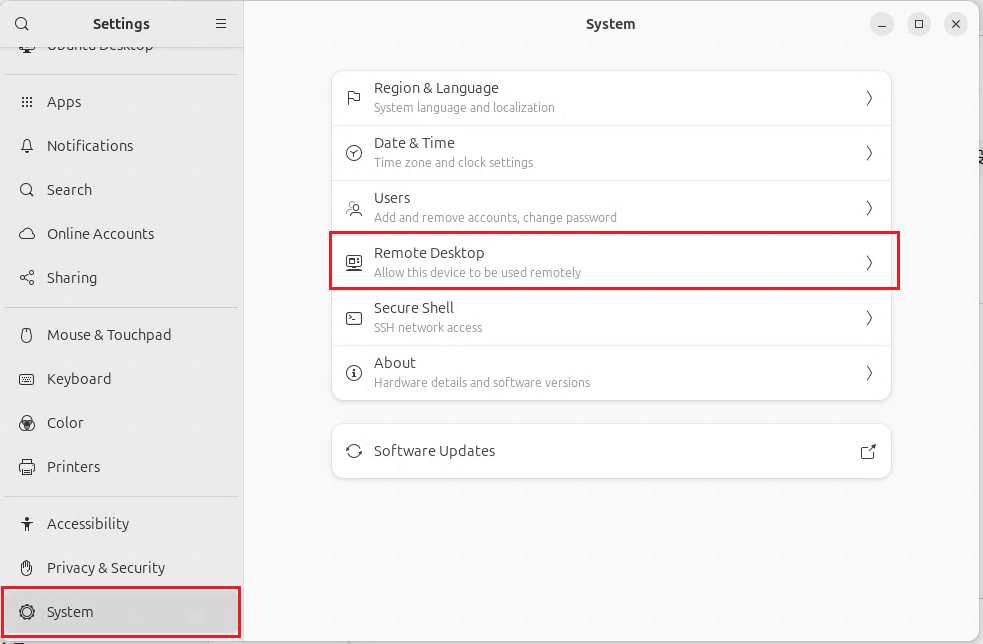
For complete this step ,you need a GUI ubuntu. If your vps don’t have GUI .please reference another page in this site.
if success , you will find some information like “Auth profile: openai-codex:default (openai-codex/oauth) Default model available: openai-codex/gpt-5.4 (use –set-default to apply)”
then type next command:
1
openclaw --profile default models set openai-codex/gpt-5.4
attention, the model name maybe different like me .please use your mode in the response information.